How to Design a User-Friendly Restaurant Menu
How to Design a User-Friendly Restaurant Menu
Introduction
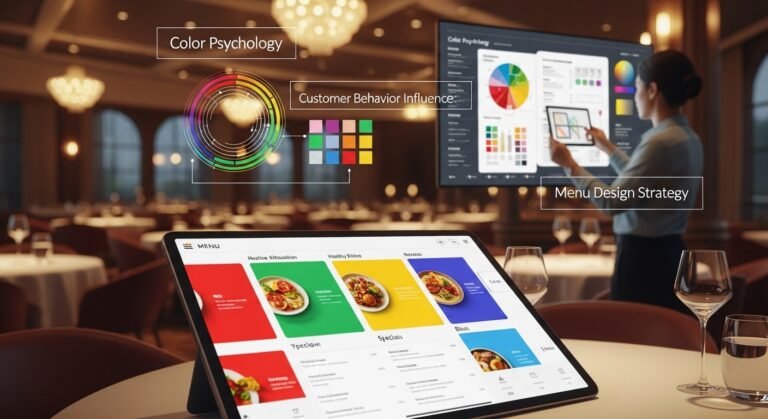
A well-designed restaurant menu is more than just a list of dishes—it’s a powerful marketing tool that influences customer decisions and boosts sales. A user-friendly restaurant menu ensures that customers can easily browse, understand, and choose their meals without confusion.
In this guide, you’ll learn how to design a menu that is simple, attractive, and effective.
Why a User-Friendly Menu Matters
A poorly designed menu can frustrate customers and slow down the ordering process. On the other hand, a clear and easy-to-use menu:
- Enhances customer experience
- Speeds up decision-making
- Increases sales
- Builds a professional brand image
Key Elements of a User-Friendly Restaurant Menu
1. Keep It Simple and Clean
Avoid clutter and unnecessary information. A clean layout helps customers focus on what matters most—your dishes.
2. Organize Items into Categories
Divide your menu into clear sections such as:
- Starters
- Main Course
- Desserts
- Beverages
This makes navigation easy and intuitive.
3. Use Clear and Readable Fonts
Choose fonts that are easy to read on both digital and printed menus. Avoid overly decorative styles that reduce readability.
4. Highlight Popular Items
Draw attention to your best-selling or recommended dishes using:
- Icons
- Boxes
- “Chef’s Special” labels
This helps guide customer choices.
5. Add High-Quality Images (But Don’t Overdo It)
Images can make your menu more appealing, but too many can make it look cluttered. Use visuals strategically.
6. Write Clear Descriptions
Each item should have a short, engaging description that explains:
- Ingredients
- Flavor profile
- Special features
This helps customers make informed decisions.
7. Use Smart Pricing Techniques
Avoid overcrowding with prices. Instead:
- Place prices neatly beside items
- Avoid currency symbols if possible
- Highlight value combos
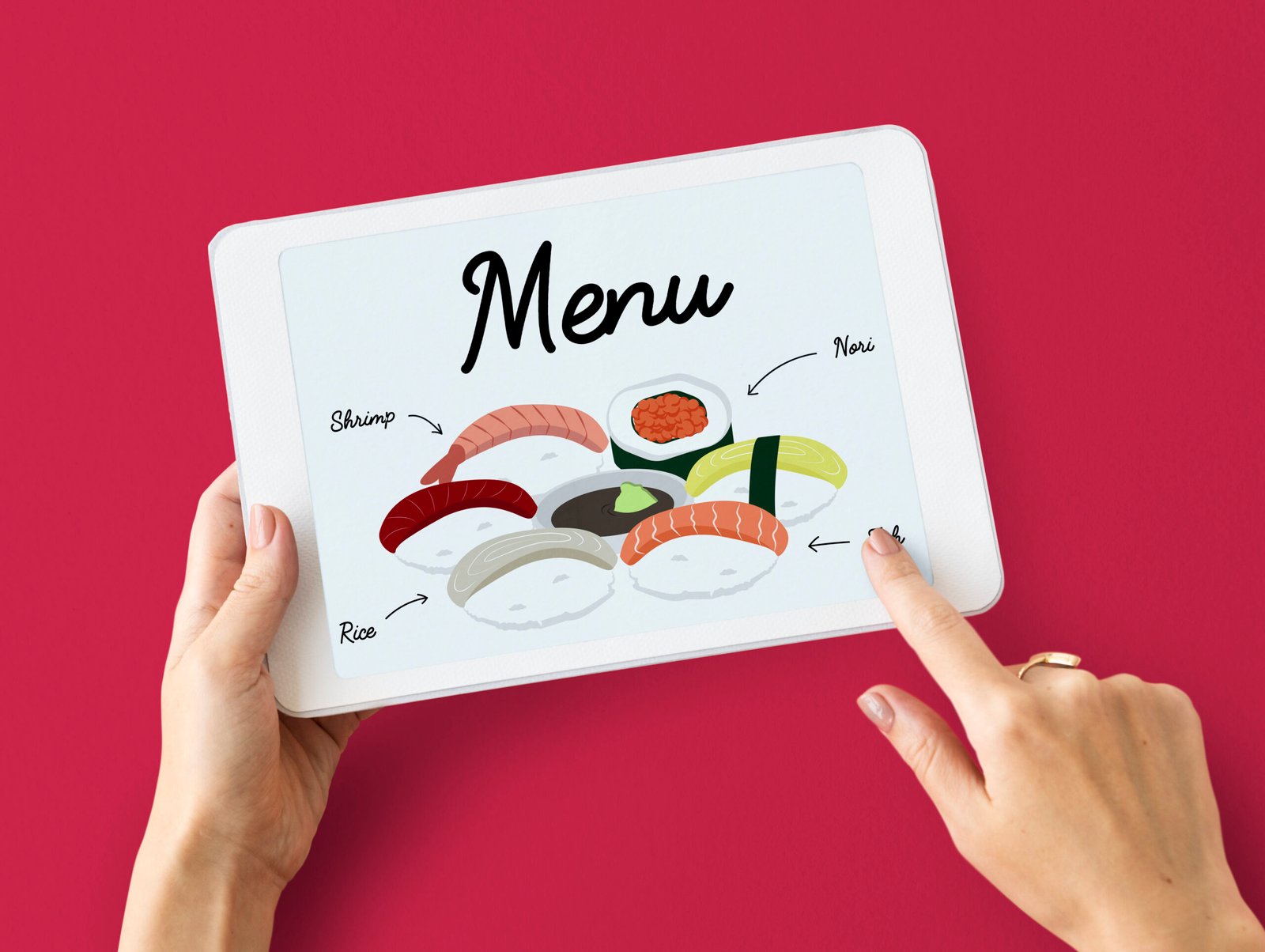
8. Make It Mobile-Friendly (For Digital Menus)
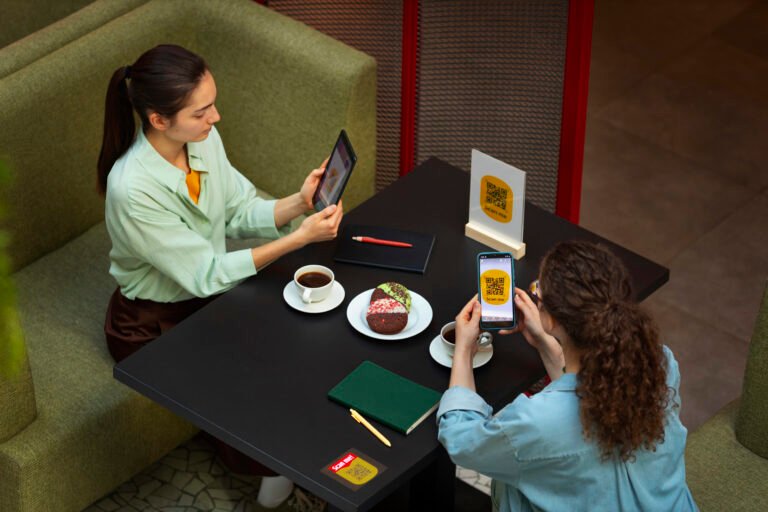
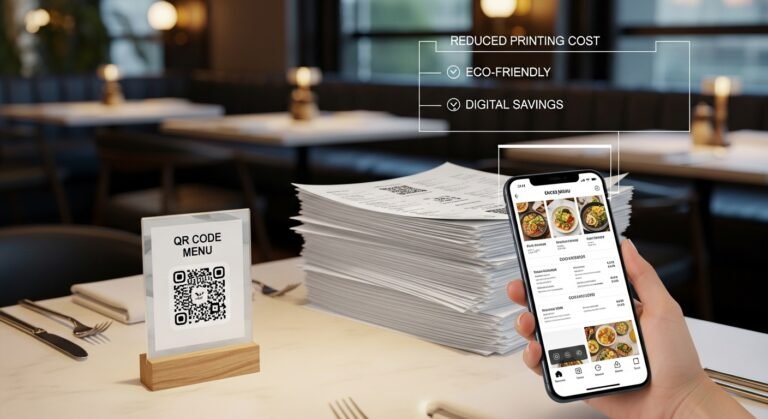
If you’re using an online or QR menu, ensure it works perfectly on smartphones and tablets.
9. Use Consistent Branding
Your menu should reflect your brand identity with:
- Logo
- Colors
- Style
Consistency builds trust and recognition.
10. Ensure Fast Loading Speed
For digital menus, slow loading can frustrate users. Optimize images and design for quick access.
Common Mistakes to Avoid
- Overcrowded layout
- Too many font styles
- Lack of clear categories
- Poor-quality images
- Complicated descriptions
Pro Tips for Better Menu Design
- Use whitespace effectively
- Limit choices to avoid overwhelming customers
- Place high-profit items where customers look first
- Test your menu with real users
Conclusion
Designing a user-friendly restaurant menu is essential for delivering a great customer experience and increasing sales. By focusing on simplicity, clarity, and smart design, you can create a menu that not only looks good but also performs well.
Whether it’s a printed or digital menu, a user-friendly design will always leave a positive impression on your customers.